used by 1used by 2used by 3
Loved by 5M users with ⭐ 4.9 rating

Meet Cal AI
Track your calories
with just a picture

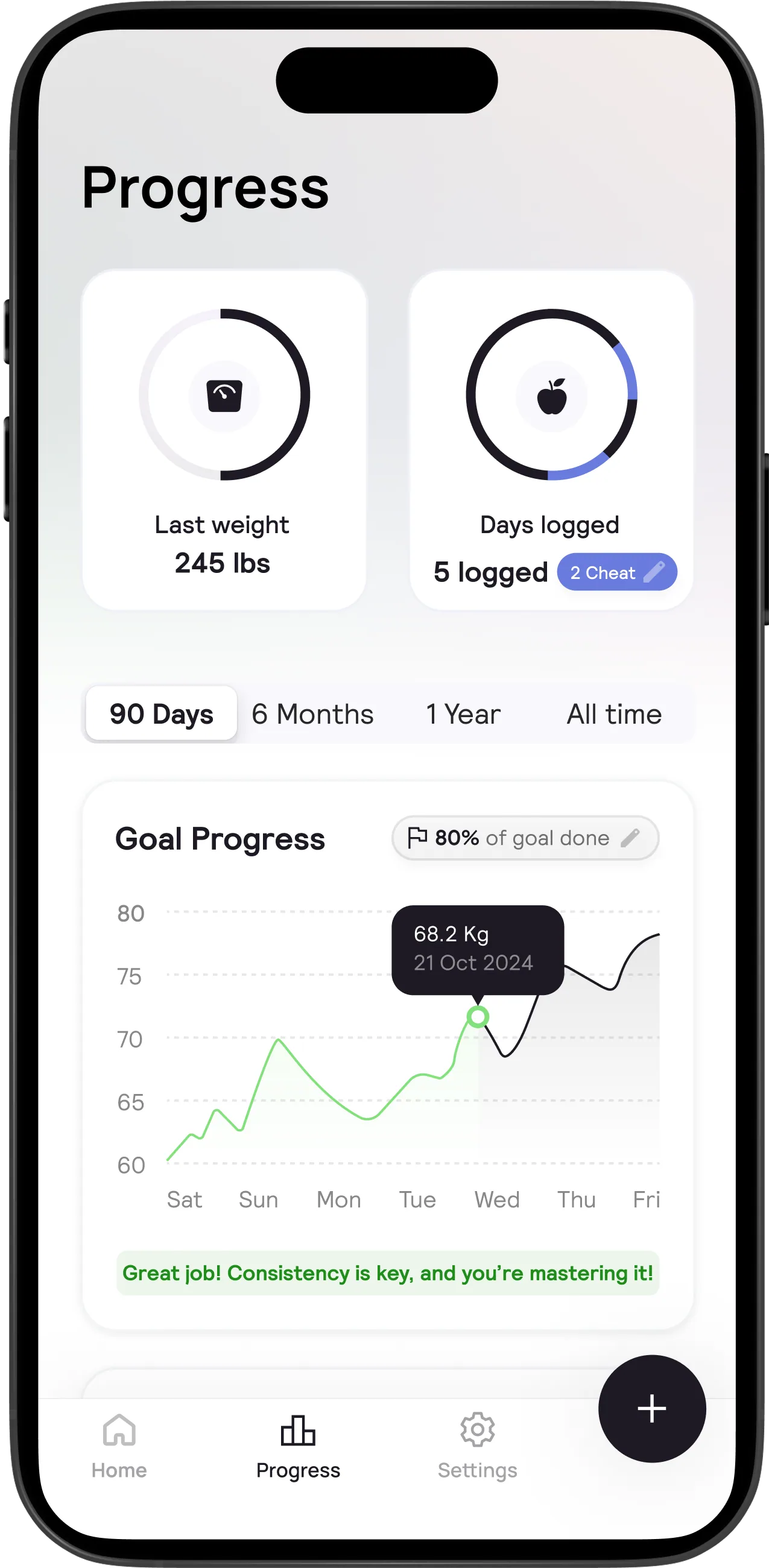
Meet Cal AI, the AI-powered app for easy calorie tracking. Snap a photo, scan a barcode, or describe your meal and get instant calorie and nutrient info.


Google Play
hero-preview

Used by your favorite fitness influencers 👀

Jeremiah Jones testimonial

"

Jeremiah Jones

Make a healthier choice for your latenight snack and use the Cal AI app to track your calories

Kadin Kerns testimonial

"

Kadin Kerns

Looking good as usual and my calories are too with Cal AI 🔥

Dawson Gibbs testimonial

"

Dawson Gibbs

Track with Cal AI app, if you're not tracking your calories while going for your goals then you're doing it all wrong.

Jeremiah Jones testimonial

"

Brian Wallack

Cal AI can literally track anything 🤯

Hussein Farhat testimonial

"

Hussein Farhat

If you're tracking your calories and macros correctly with Cal AI, you can get away with eating almost anything and still get in shape as long as it matches your daily goals.

Alex Eubank testimonial

"

Alex Eubank

Cal AI is literally the best calorie tracker. Fastest and most accurate I've ever used.

What does Cal AI include?

Cal AI App Preview

Why choose Cal AI?

Cal AI is the most advanced calorie tracker.

Free up your time

Cal AI automatically calculates your calories, protein, carbs, and fat. You can also add your own foods and recipes. So no need to calculate calories manually.

Integrate with your favorite fitness products

Cal AI integrates with your favorite fitness products. So you can track your calories, protein, carbs, fat AND exercises.

Lose weight effortlessly

Snap a photo with Cal AI, and your phone's depth sensor calculates food volume. Our AI then analyzes and breaks down your meal to determine calories, protein, carbs, and fat.

New feature

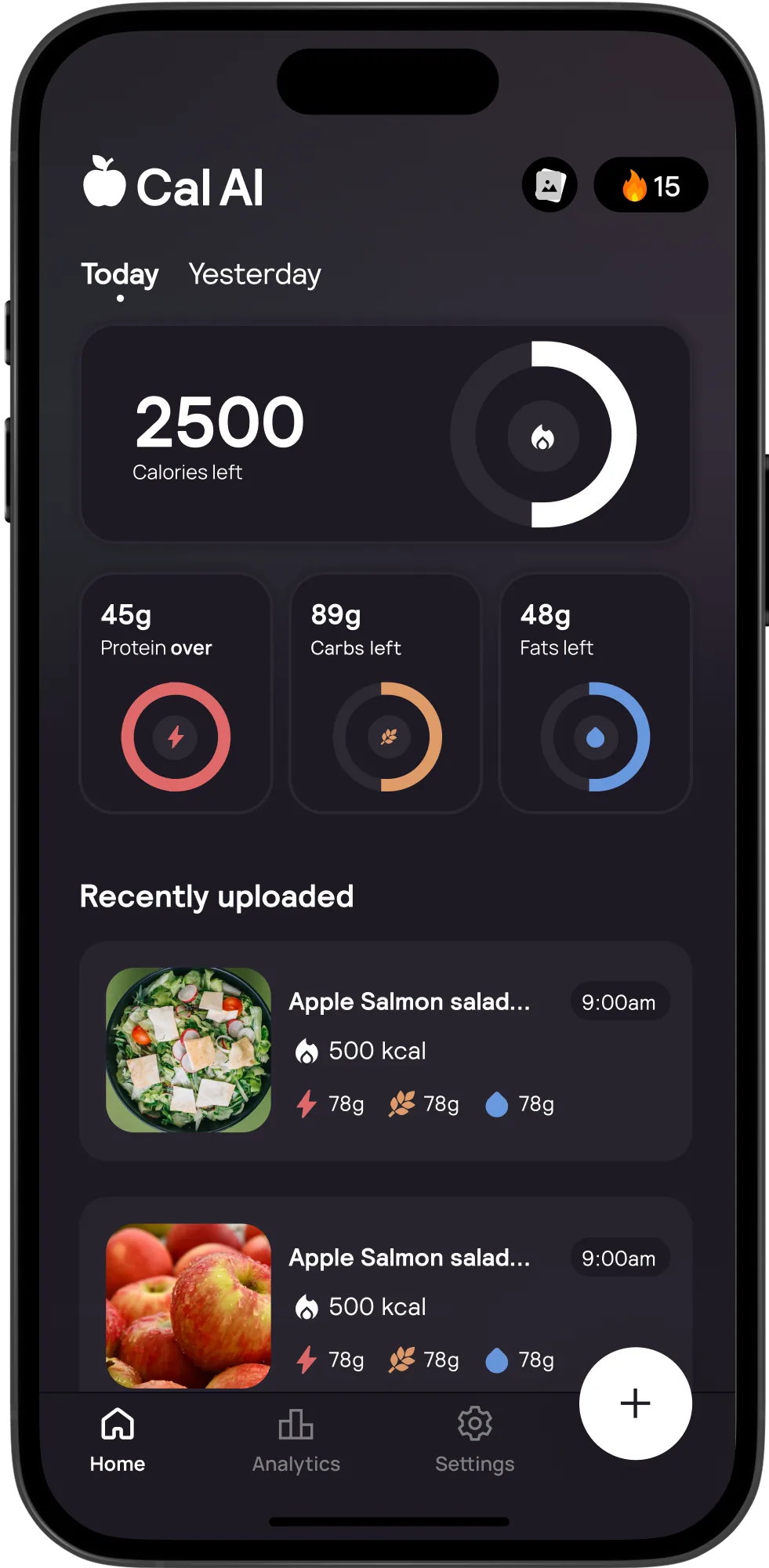
Dark Mode
for a sleek tracking
experience! 🌙✨

New features weekly :)

Cal AI Dark Mode Preview

Thousands of users talk about us

Aryan Thakur testimonial

pree.palmer

"im ngl I've lost 17 lbs with it doesn't need to be exact it's pretty decent"

Ordinary Tony

Ordinary Tony

"IVE BEEN BULKING FOR A YEAR STRAIGHT W APP FR 👏👏👏"

Parth Israni testimonial

2025weightlossa...

"I love your app it helps me keep track of my food without overthinking everything and gives me a visual of my portions plus it's so aesthetic 💓"

Adam McKinney testimonial

Mathias

"I started to use it yesterday and im already giving it 5⭐️"

D

Ms Nsofor

"For people that want to control their calories @calai.app is the app for you 🙌🔥"

Frequently asked questions

The questions our support team hears most.

I paid but the app still shows a paywall. What gives?

Annoying, but totally fixable. Here's what to do:

  1. 1Tap the + button to log food. This opens the paywall screen.
  2. 2Scroll down and tap "Restore Purchase" or "Already Purchased."
  3. 3Make sure you're signed into the same Apple ID or Google account you used to buy.

Tip: Switched phones or Apple IDs? That's usually the culprit. Restore Purchase on the new device and you're golden.

How do I cancel my subscription or free trial?

You can't cancel from inside the app. It goes through your phone's settings. Here's how:

  • iPhone: Settings → tap your name → Subscriptions → CalAI → Cancel Subscription.
  • Android: Google Play → profile icon → Payments & subscriptions → Subscriptions → CalAI → Cancel.

Heads up: Deleting the app does NOT cancel your subscription. You'll keep getting charged until you cancel through Settings. Don't skip this step!

I want a refund. How do I get one?

Refunds depend on where you bought your subscription:

  • Apple App Store: Apple handles this directly.
  • Google Play: Same deal, request it through Google.
  • Bought directly through CalAI? Email us and we'll sort it out.

Tip: Not sure where you bought it? Check your email for a receipt. It'll say either Apple, Google, or CalAI.

The app scanned my food totally wrong. It thinks my dinner is something else entirely

CalAI is about 80% accurate. No food tracking app is perfect, and calories and nutrition values can vary. A few things that help a lot:

  • Good lighting makes a huge difference. Natural light or a bright room works best.
  • Make sure the food (or nutrition label) is clearly in focus and fills the frame.
  • Update CalAI to the latest version. We're constantly improving the AI.

If it's still way off after updating, shoot us a screenshot with the error and we'll dig in.

The app keeps crashing or won't open

Try these steps:

  1. 1Uninstall and reinstall the app.
  2. 2Sign back in using your Google account or Apple ID.

This resolves the issue in most cases. If it's still crashing after that, share your device model and OS version with us and we'll check for known bugs.

Heads up: Your data is safely stored in the cloud. Uninstalling and reinstalling will not delete your data as long as you log back in with the same account.

My steps aren't showing up in CalAI

  • iPhone / Apple Health: In CalAI, swipe right on the calories screen → tap "Connect with Apple Health."
  • Android / Google Fit: Make sure CalAI is connected to Google Fit in the app settings. Data can take a few minutes to sync.
Background gradient
Laurel wreath
⭐⭐⭐⭐⭐

Over 100k 5-star ratings

4.8/5
4.7/5
Laurel wreath
Google Play